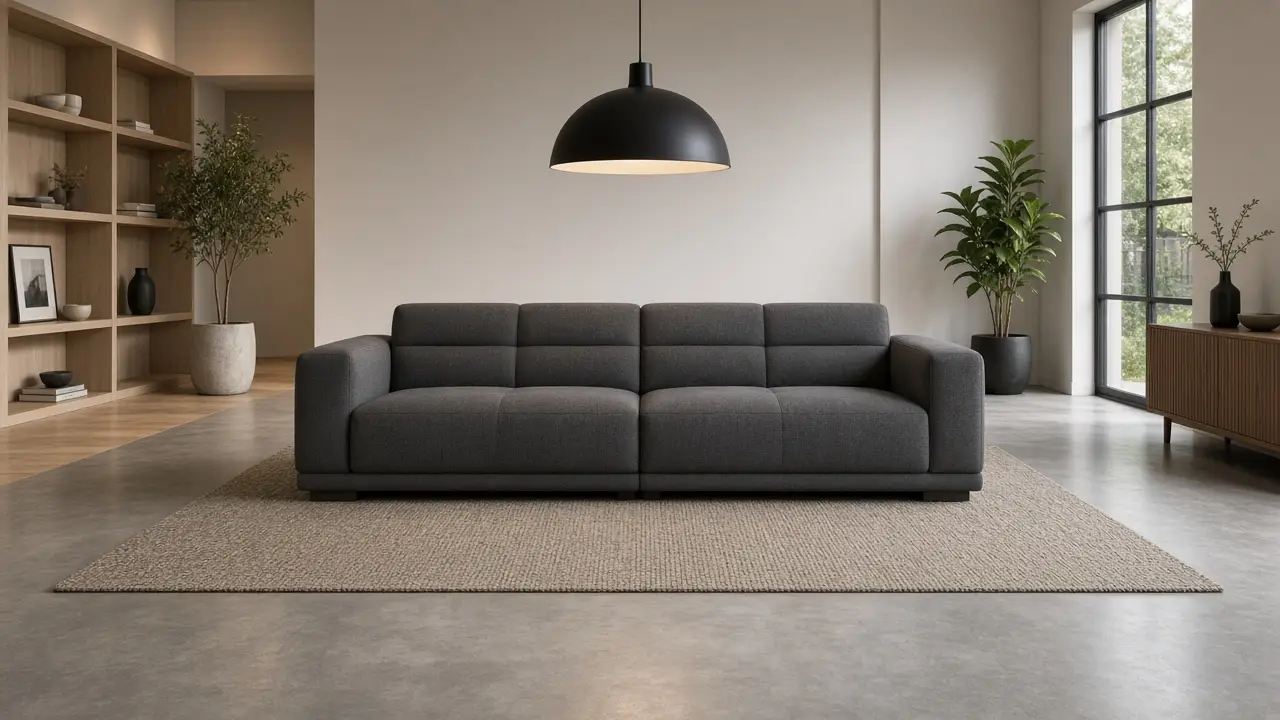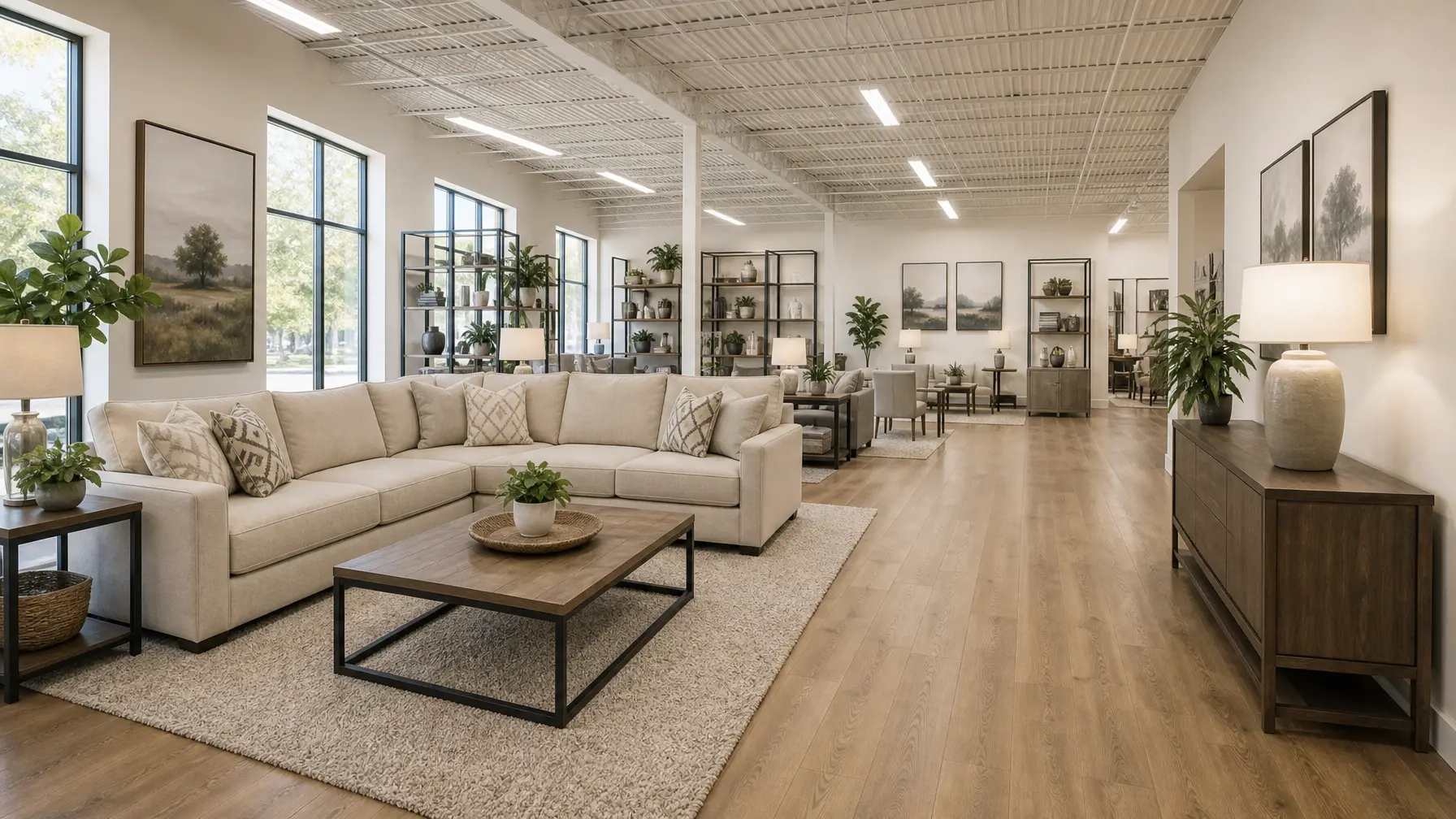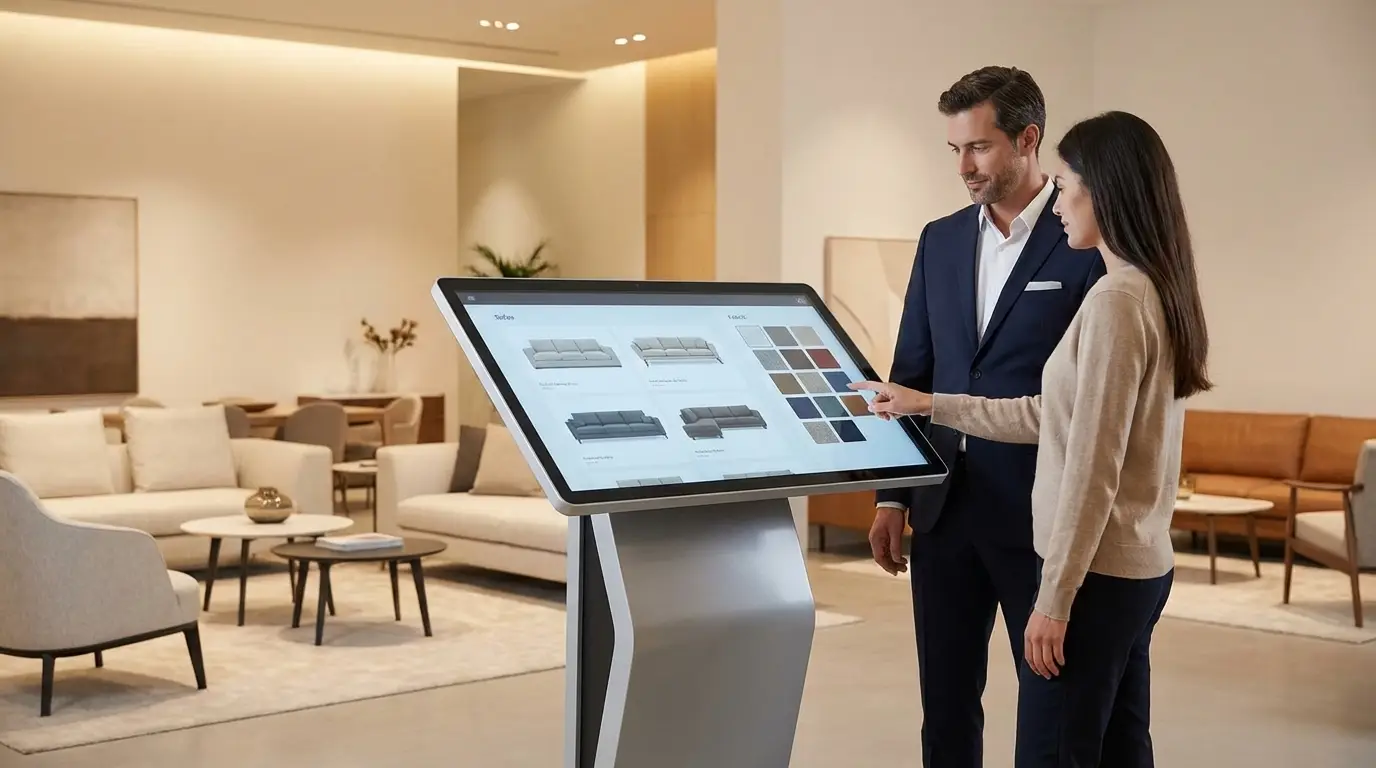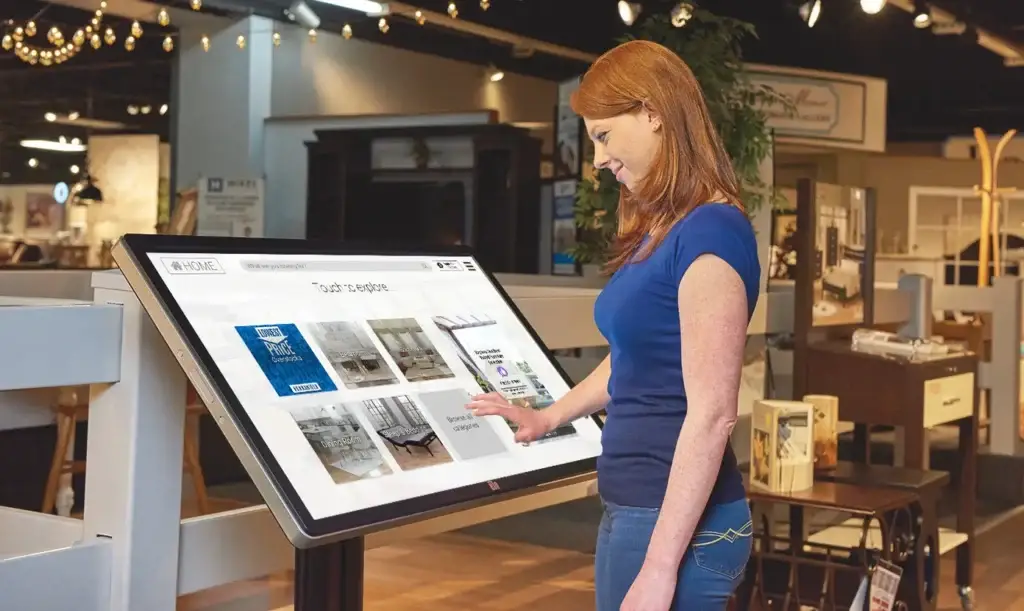
An endless (or extended) aisle for furniture stores is a display on your showroom floor, usually a kiosk or a tablet, that shows every product you can sell, including the ones you have no room to display. As a result, the shopper finds the exact sofa, size, configuration, or finish, and your team closes the sale right there instead of losing it to a phone search in the parking lot.
I have walked a lot of showroom floors. The moment I watch for is always the same. A couple sits on a sectional, they like it, and then one of them asks, “Does it come in gray?” If the answer is a paper binder and a shrug, the sale is already halfway out the door.
What an endless aisle means in a furniture store
In plain terms, an endless aisle lets an in-store shopper buy a product that is not physically on your floor. For example, the associate or the shopper opens the full catalog on a screen, picks the item and the options, and the order starts in your store. Shopify’s guide to the endless aisle covers the general retail version of the idea.
Furniture needs this more than most categories, because a sofa takes the space of fifty boxes of screws. Meanwhile, the shopper still expects to see every fabric, every depth, and every size. The Home Furnishings Association has written about the endless aisle as a way for brick and mortar furniture retailers to hold their own against online giants by extending what they offer past the store.
Why the empty spot on the floor costs you a sale
Shoppers do not wait. In fact, AlixPartners found that two-thirds of consumers will leave a store or an e-commerce site and shop from another retailer when the item they want is out of stock.
Now think about what “out of stock” means in a furniture store. Usually it looks like the queen when you floor the king, the leather when you floor the fabric, or the dining set that lives in the warehouse but not in the gallery. To the shopper, all of those feel the same as out of stock, so they go looking somewhere else.
A small store that added furniture with fewer than 20 pieces
The best proof I know comes from a hardware store. Tim Finseth ran Hardware Hank in Warren, Minnesota, a family store of about 8,000 square feet, with a larger hardware chain across the street. The nearest furniture stores were thirty miles east and thirty miles west, so Tim saw a gap. However, furniture eats space, and Hardware Hank only had room for fewer than ten pieces.
Then Tim saw a large-format touchscreen kiosk at a furniture trade show. His reaction, as he told it: “This is exactly what we need in our store.”
He was honest about his doubts, though. “I wondered how my guests would feel about purchasing something as big as furniture without being able to examine it in person.” Still, he kept a few upholstery pieces on the floor so guests could feel the quality, and he walked every furniture shopper to the kiosk.
The results speak in his own words. “It paid for itself in the first 3 months and has been generating sales ever since!” After just 12 months, he said, “Our furniture department, in one year went from nonexistent to being the number 1 dollar department.” You can read the full Hardware Hank case study for the rest of the story.
What I take from Tim is simple. He kept his floor the same size and added a few real pieces to touch, plus one screen that held everything else.
How an endless aisle for furniture stores works on the floor
On a real showroom floor, the flow looks like this:
- A shopper falls for a floor sample. For example, a sectional, a mattress, or a dining table.
- The associate or the shopper opens the full catalog on the kiosk. On a Wonder kiosk, that means every item, every finish, and every price you carry – including real-time inventory.
- They explore the options. Fabric, size, firmness, and add-ons, with large images and details on screen.
- The order starts in the store. Then it flows into your POS, so nobody types it twice.
- If they are not ready, they take the cart home. The shopper saves favorites and finishes the purchase later from their phone.
As a result, every sellable SKU can be visible and accurate while the customer is still standing in your store, even if only a few sit on the floor. That is the same logic behind how retailers can sell more without expanding.
Four things your endless aisle needs to work
1. One clean product catalog
A kiosk is only as good as the data behind it. If the dimensions are wrong or the photos are missing, associates stop trusting it within a week. That is why a product information management tool matters, because it keeps one master catalog and sends it everywhere. With Wonder, for example, discontinued items drop out of your catalog feeds during daily updates, so nobody tries to sell a ghost product.
2. A screen where the decision happens
Put the screen right next to the mattress gallery or the motion furniture. In addition, the same catalog should run on associate tablets, so your team coaches the sale instead of fighting the tool. Wonder’s in-store digital kiosk for independent retailers runs on kiosks, tablets, and desktop computers, all synced to the same catalog.
3. Prices that match everywhere
Shoppers check your website before they drive in. So when the floor price and the web price disagree, trust drops fast. Wonder connects to your POS and your website, so when you change a price in one place, it updates on the kiosks, the tablets, and your online store.
4. A plan for the shopper who walks out
Not everyone buys on the first visit. Therefore, give the shopper a way to keep the cart. With WonderPay, your team can text the cart to the shopper, who can finish the purchase from home with a secure Buy Now button.
Mistakes that quietly kill an endless aisle
- A pretty screen with dirty data. Every supplier has their own way of naming things. If catalogs are not normalized, you create confusion instead of confidence.
- No script for the team. Give associates one line: “We don’t have that finish on the floor, but I can order it for you right here.”
- A screen that dies with the Wi-Fi. Some kiosks are just a website. Today’s consumer is savvy enough to spot that and thinks: “Why did I come here, if all they show me is just their website. I can browse that from the comfort of my own home.” Also, if your endless aisle relies on stable Wifi, you end up with a loading icon. Wonder runs as an offline-capable app, so shoppers can still browse and save items while the connection is down.
- Treating it as a one-time install. Lines change every market, so keeping the catalog fresh is ongoing work. Uploading spreadsheets creates more issues and they compound.
- Not using an ADA-compliant setup. Ask your endless aisle vendor if their setup is certified ADA-compliant. If it’s not, you’re opening yourself up for potential legal trouble.
How does it fit into my existing tools?
Catalogs: All systems that rely on accurate catalogs (endless aisle, POS, ERP, website) should be fed from a single source of truth. Use a PIM or a catalog management platform. This makes product information less fragmented and outdated across systems.
Pricing: Make sure pricing is uniform across website, floor tags, POS, and endless aisle – to avoid having to “honor” a lower price, just because someone forgot to update a disconnected system.
Inventory: In times of Agentic AI and Agentic Shopping, live inventory is a must. Use an endless aisle provider that can ingest your local inventory (for “on display” tagging) and manufacturer inventory feeds. Anything from a spreadsheet is a big “No”.
Leads: Slapping a website on a touchscreen and calling it a kiosk may be better than having to sift through paper catalogs, but it kills future foot traffic (because it teaches guests that they don’t need to come into the store any longer), and it provides no benefits for analytics and lead collection. Use an endless aisle solution that captures lead and shopper intent analytics.
If you run many locations, look at the enterprise kiosk setup, which pushes kiosk orders into POS systems such as STORIS, Furniture Wizard, and ProfitSystems.
Frequently asked questions
What is an endless aisle for furniture stores?
An endless aisle for furniture stores is a kiosk or tablet on the showroom floor that shows the full catalog you can sell, including items you do not display, so shoppers can find and order them in the store.
Do I need to floor every product to sell it?
No. Hardware Hank kept fewer than 20 furniture pieces on the floor and sold from a kiosk catalog of thousands of items, as reported in its 2019 case study.
What happens if my store Wi-Fi goes down?
With Wonder, shoppers can keep browsing and saving items, because the app is offline capable. Everything syncs when the connection returns.
Can I use my own tablet?
Yes. Wonder runs on iOS, Android, and Windows devices, and Wonder recommends certified kiosk hardware for large touchscreens.
Sell every piece you carry
Your showroom will never hold every sofa you can sell. Still, every shopper who walks in should be able to see it, pick it, and buy it from you. Start with one category, clean the catalog, and put it on a screen where the decision happens.
If you want to see it on a real floor, book a demo and we will walk you through it. You can also browse more Wonder case studies.